
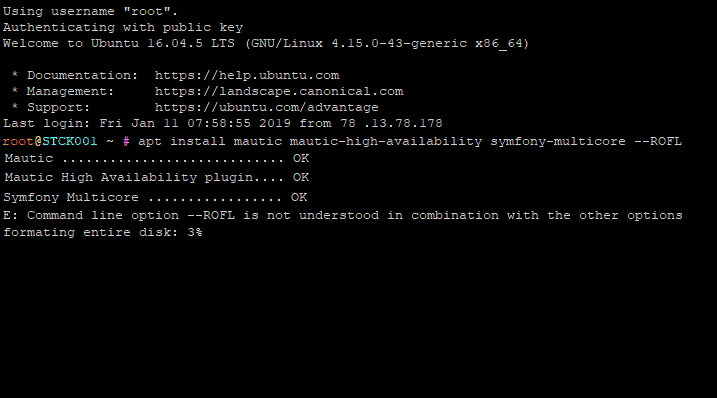
Mautic Self-Hosted Best Practices
Mautic will run on any server that supports PHP and a MySQL compatible database, which is little short of saying it will run anywhere, you could run it on Linux…
Mautic will run on any server that supports PHP and a MySQL compatible database, which is little short of saying it will run anywhere, you could run it on Linux…
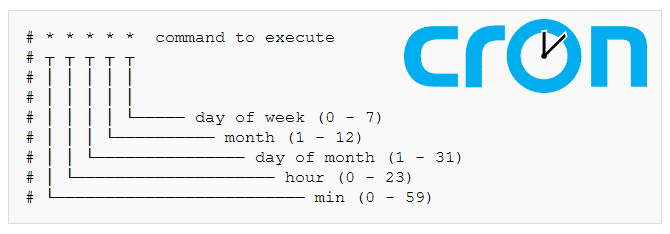
Cron jobs are supposed to be the smartest and simplest way to automate things on a Linux server, and they are to some extent. However, its design, deeply rooted on the darkest corners of the Linux kernel, designed by the deep minds that created Linux itself, doesn't always present itself as obvious
It is not yet time to migrate to Mautic 5 for your production environment, it is still too soon! Mautic 4 on the other hand is currently very mature. This is the most stable, efficient and secure Mautic version we had in a very long time, especially after the recent

[SOLVED] Reset the Mautic password if you cannot login to your Mautic installation anymore, by editing the database from the Linux CMD.
![[Solved] Maxmind GeoLite2 & GeoIP Database Auto-Update](/content/images/size/w720/2026/09/Maxmind-GeoLite2-welcome-email-1-2.png)
If you just installed Mautic in 2020, you might have noticed the Maxmind IP lookup doesn't seem to work anymore. That's because Maxmind has changed the method to obtain the latest updated databases from them. The difference is simple, now you need to provide your credentials,
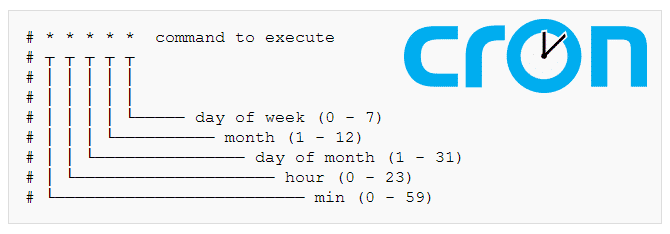
Mautic cron jobs automate several repetitive tasks that Mautic needs to perform in order to run properly. Mautic Cron jobs also allow you to control the timings on each of those processes. This is the complete and most updated guide on Mautic 3 Cron jobs, now revisited after Mautic 3,
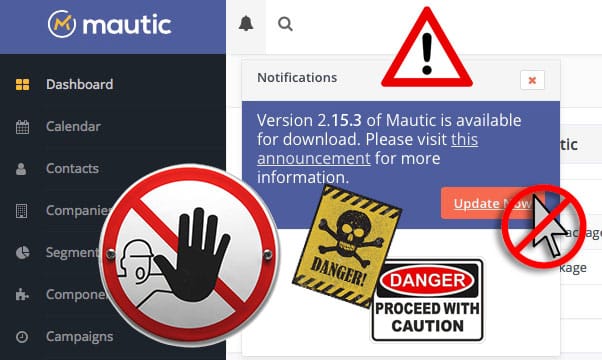
Flawless Mautic upgrades every time! Not an impossible dream, just a simple step by step guide... You might be already suffering the consequences of an incomplete Mautic update without knowing about it! Just make sure you don't click that button yet!!! There's a better way... A

Troubleshooting Mautic is not usually simple, but it helps a lot if you know what to look for. These 4 steps will get you there most of the time: 1) Check ALL your logs. 2) Check the Mautic output on your browser. 3) Search the Internet, especially Github. 4) Report your findings.

There are many Mautic cron jobs you can use in your Mautic installation, but Mautic can get resource hungry over time, so you don't really want to run them all, in fact, that would be a great mistake, you only have to add the cron jobs that you actually need in your own setup, based on your own Maut

Here are some basic guidelines for GDPR compliance in general. This information is not exclusive to Mautic, it applies to any company that wants to be GDPR compliant. The basic data privacy rights of an EU citizen that we have to respect: - The company is responsible for any data breach - We have to
Installing Mautic plugins or Mautic Mixins (as only God knows why they are officially named now) is really simple... most of the time... But there's always some obscure unofficial plugin that you really need so badly, and those always have little or no instructions and hence they refuse to install.

There's much more to making backups than just copying files, as you probably know, you need a backup strategy. In this post, I'm not going to enter in detail on the strategic part. Anyway, I'm going to abide by the most basic and indispensable elements of a backup strategy, that is so, if you ever n
Join the newsletter and get the latest posts delivered straight to your inbox.